

In today’s fast-moving digital landscape, attention spans are shorter than ever. Visual content, especially video, consistently outperforms text and images when it comes to engagement.
However, producing high-quality videos the traditional way often requires significant time, budget, and technical expertise.
But what if creating professional videos was as simple as entering a script, uploading images, or writing a prompt?
That’s exactly what modern AI video generators offer.
These tools can turn ideas, blog posts, scripts, or raw data into polished video content in just a few minutes.
Let’s break down how they work and which platforms are leading the space.
What Is an AI Video Generator?
An AI video generator(generatore video ai) is a software solution that uses artificial intelligence to streamline and automate video creation.
Instead of manually handling editing, transitions, and audio syncing, you simply provide:
- A script
- A text prompt
- Images
- Slides or documents
The system then:
- Builds scenes automatically
- Selects relevant visuals
- Applies animations
- Generates voiceovers
- Produces a complete video
These platforms combine machine learning with video production, making them highly effective for marketing, education, product showcases, and social media content.
How AI Video Generators Work
The process behind AI video creation is straightforward:
1. Content Input
You provide raw material such as text, visuals, or audio.
2. AI Analysis
The system evaluates context, tone, and structure to understand your content.
3. Video Creation
Scenes, animations, transitions, and narration are generated automatically.
4. Customization
You refine visuals, pacing, and branding elements.
5. Export
Download your video in formats suitable for social media, presentations, or websites.
With modern text-to-video and image-to-video AI, this workflow has become extremely efficient.
How to Create Videos Using AI Tools
Using an AI video platform is simple:
- Define your goal
- Prepare your script or assets
- Select the right AI video tool
- Input your content
- Review and make adjustments
- Export and publish
The quality of your output depends heavily on the clarity of your input.
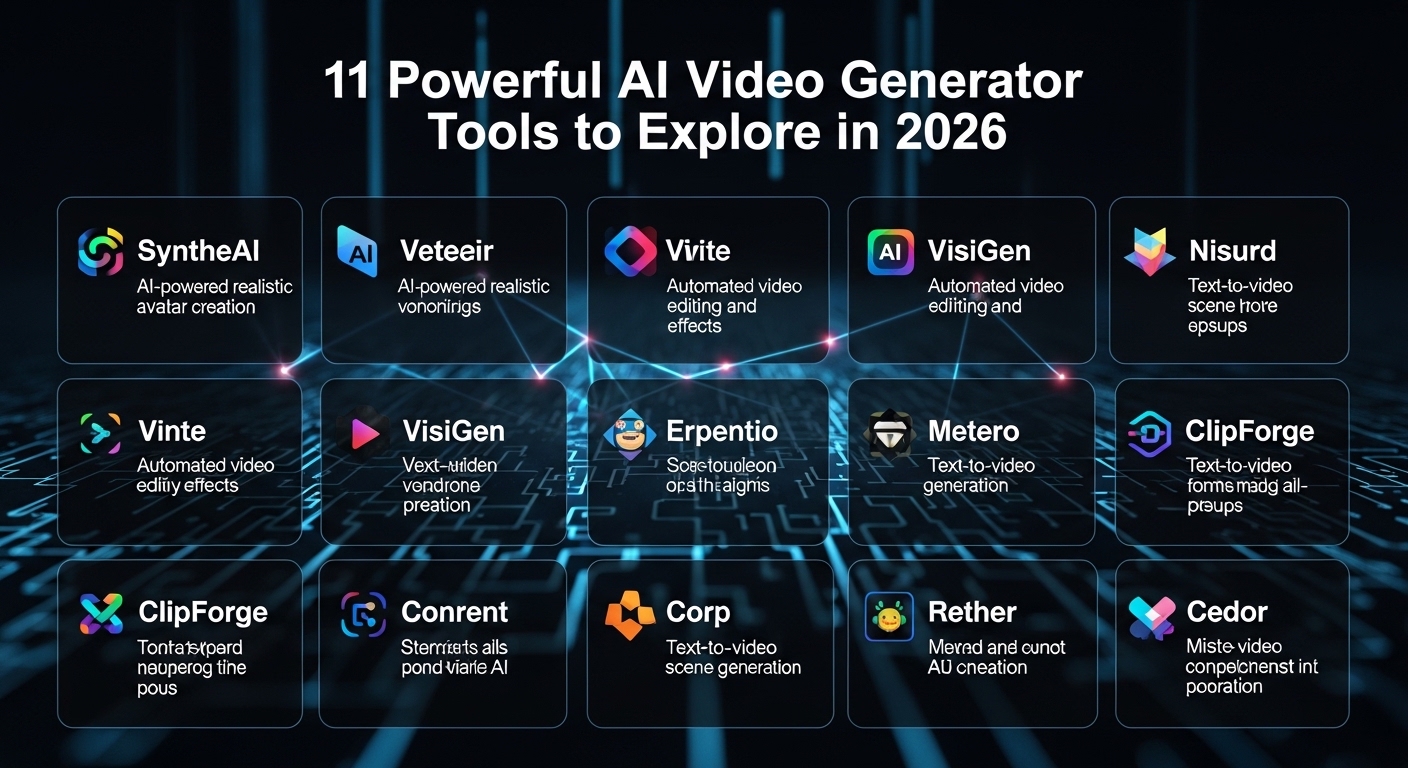
Top AI Video Generators to Try in 2026
1. VidSpotAI — Most Advanced All-in-One AI Video Platform
VidSpotAI stands out because it integrates multiple AI video technologies into one unified system.
Unlike tools that specialize in only one function, VidSpotAI offers:
- Text to Video AI
- Image to Video AI
- Access to multiple AI video models
- Support for 40+ languages
- Long-form video generation (10+ minutes)
- Centralized dashboard for workflow management
This allows users to:
- Generate AI Video for YouTube
- Build marketing campaigns
- Create multilingual training materials
- Develop product demonstrations
- Scale content production efficiently
While many tools focus on niche capabilities like avatars or templates, VidSpotAI delivers a more complete AI video creator experience, especially for long-form and multilingual projects with free AI videos(video ai gratis).
Best for: businesses, marketers, and creators who need scalable video production in one place
2. Descript
Overview
Descript combines transcription, editing, and AI voice generation into a single platform where editing is done through text.
Key Features
- Text-based video editing
- AI voice synthesis
- Voice cloning (Overdub)
- User-friendly interface
Best for: podcasters, educators, and script-driven creators
3. Wondershare Filmora
Overview
Filmora blends traditional video editing with AI-powered enhancements.
Key Features
- Smart editing suggestions
- Automatic audio adjustments
- AI color correction
- Scene detection
Best for: users who want AI support within a classic editing environment
4. Runway
Overview
Runway is known for its innovative, AI-driven video creation tools.
Key Features
- Text-to-video generation
- Motion tracking
- Background removal
- Advanced AI effects
Best for: creatives and filmmakers experimenting with AI workflows
5. Synthesia
Overview
Synthesia focuses on AI-generated presenters and avatar-based videos.
Key Features
- Realistic digital avatars
- Natural gestures and expressions
- Support for 130+ languages
- Script-based workflow
Best for: corporate training and presentations
6. Fliki
Overview
Fliki transforms written content into engaging video presentations.
Key Features
- Blog-to-video conversion
- AI voiceovers
- Visual animations
- Easy repurposing
Best for: bloggers and content marketers
7. Pictory
Overview
Pictory converts long-form text into short, engaging videos.
Key Features
- Text-to-video functionality
- Custom templates
- Stock media access
- AI-generated voiceovers
Best for: social media content repurposing
8. InVideo
Overview
InVideo offers a large template library enhanced with AI automation.
Key Features
- Text-to-video workflows
- Scene suggestions
- AI narration
- Extensive stock content
Best for: marketing and social media videos
9. Veed.io
Overview
Veed is designed for quick editing and caption automation.
Key Features
- Automatic subtitles
- Audio enhancement
- Simple editing tools
- Export formats for social media
Best for: fast content editing and captioning
10. Colossyan
Overview
Colossyan focuses on professional communication using AI avatars.
Key Features
- Multilingual presenters
- AI-enhanced visuals
- PDF and PowerPoint to video conversion
Best for: corporate training and presentations
11. FlexClip
Overview
FlexClip combines ready-made templates with AI-assisted editing.
Key Features
- Text-to-video tools
- Customizable templates
- Built-in stock media
- Beginner-friendly interface
Best for: small businesses and beginners
How to Choose the Right AI Video Generator
There isn’t a single “best” tool for everyone. The right choice depends on your goals.
- Advanced AI editing → Runway
- Realistic avatars → Synthesia
- Blog-to-video workflows → Fliki or Pictory
- Simple editing → Veed or Filmora
- Long-form, multilingual, multi-model workflows → VidSpotAI
The key factors to consider are scalability, flexibility, and how well the tool fits your workflow.
Final Thoughts
AI video generators have quickly evolved from experimental tools into essential parts of modern content creation.
They help reduce:
- Production time
- Costs
- Technical complexity
And improve:
- Scalability
- Creative output
- Global reach
Platforms like VidSpotAI, Synthesia, and Runway highlight how powerful AI-driven video creation has become.
The real question is no longer whether AI can create videos.
It’s how effectively you can use it to grow and scale your content.
Your next breakthrough video could start with a single idea.